
Cloud Automation vs. Manual Cloud Management: Which Is Better for Your Business?
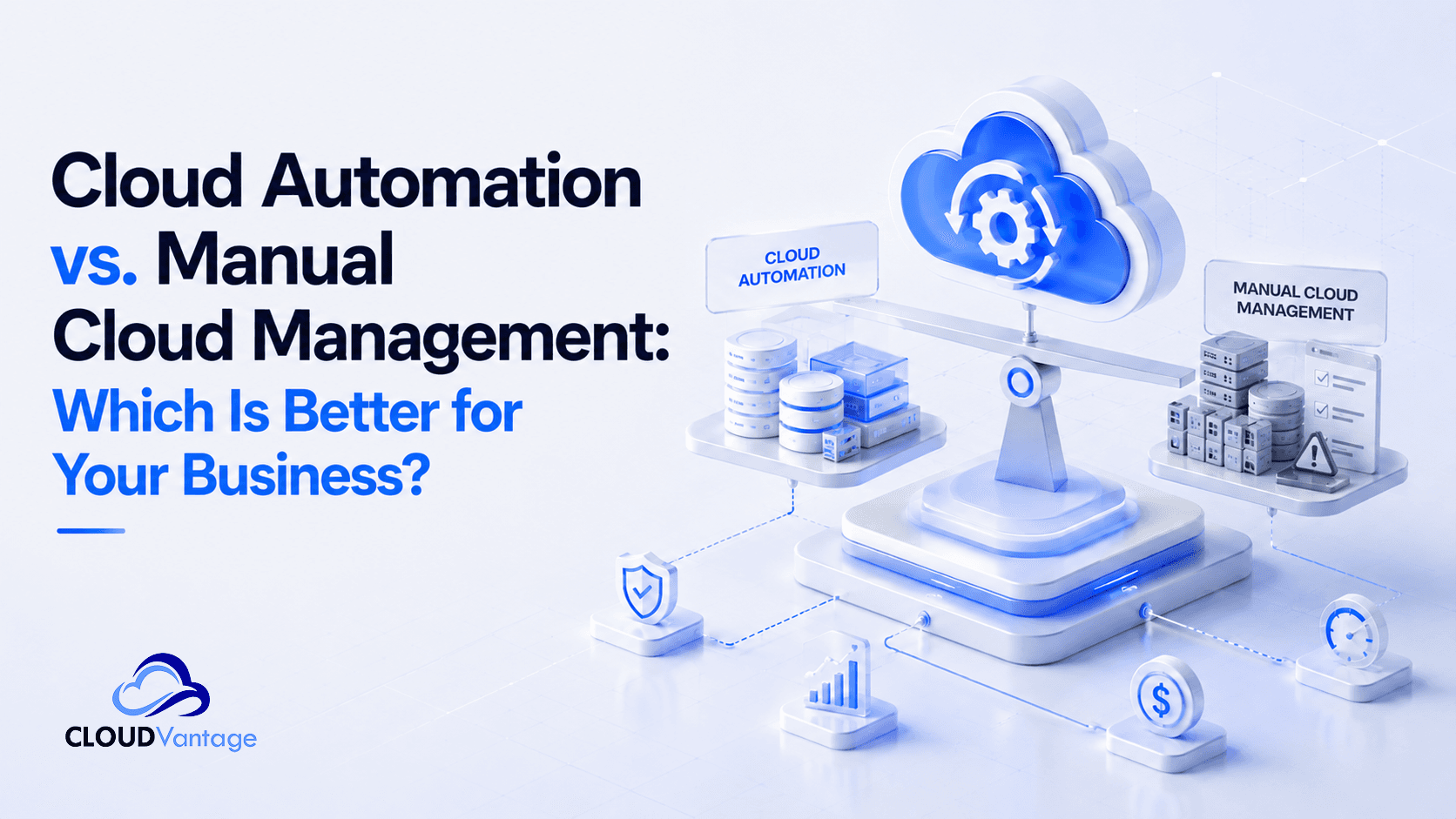
Cloud infrastructure gives businesses the flexibility to deploy applications, manage workloads, scale resources, and support digital operations without maintaining traditional physical infrastructure.
But having cloud infrastructure is only part of the equation.
How you manage that infrastructure can have a major impact on your team's productivity, operational efficiency, reliability, and ability to scale.
Many businesses still rely heavily on manual cloud management. Others are moving toward cloud automation to reduce repetitive work and improve the way their infrastructure operates.
So, which approach is better for your business?
The answer depends on your environment, but as cloud operations become more complex, automation offers significant advantages for businesses that want to operate faster and scale more efficiently.
Let's compare the two approaches.
What Is Manual Cloud Management?
Manual cloud management involves people performing cloud infrastructure tasks directly, often through cloud consoles, command-line interfaces, scripts, or other administrative tools.
These tasks can include:
-
Provisioning infrastructure
-
Deploying applications
-
Configuring resources
-
Monitoring systems
-
Managing backups
-
Scaling resources
-
Applying updates
-
Troubleshooting infrastructure
-
Performing routine maintenance
Manual management isn't necessarily a problem when an environment is small and simple.
The challenge begins when infrastructure grows and the number of repetitive tasks increases.
What once took a few minutes can eventually consume hours of valuable IT time.
What Is Cloud Automation?
Cloud automation uses software, scripts, workflows, and predefined processes to perform cloud operations with less manual intervention.
Instead of requiring an IT professional to repeat the same process every time, automation allows defined tasks to be executed consistently according to predetermined rules.
For example, businesses can automate:
-
Infrastructure provisioning
-
Application deployments
-
Resource scaling
-
Monitoring and alerting
-
Backup processes
-
Routine maintenance
-
Security operations
-
Infrastructure management
If you're new to cloud automation, our guide on Why Cloud Automation Matters can help you understand the broader business benefits and use cases.
The goal isn't to automate everything.
The goal is to automate the right processes so your team can spend less time on repetitive operations and more time creating value.
Cloud Automation vs. Manual Cloud Management
The difference becomes clearer when we compare the two approaches across key areas of cloud operations.
1. Speed
Manual Cloud Management
Manual processes require people to perform each step.
Provisioning infrastructure, deploying applications, configuring resources, and making operational changes can take considerable time, particularly when several tasks need to be completed.
Cloud Automation
Automated workflows can execute repeatable processes much faster and with fewer manual steps.
This can help businesses accelerate deployments and respond more quickly to changing operational requirements.
The Advantage
Cloud automation.
When speed matters, reducing unnecessary manual intervention can make a significant difference.
2. Human Error
Manual Cloud Management
People make mistakes.
A configuration can be entered incorrectly. A deployment step can be missed. A resource can be configured differently from another environment.
As the number of manual processes increases, so does the opportunity for inconsistency.
Cloud Automation
Automation allows repeatable processes to follow predefined workflows.
When a process has been properly designed and tested, it can be executed consistently without requiring someone to manually repeat every step.
The Advantage
Cloud automation.
Automation doesn't eliminate every possible error, but it can significantly reduce errors associated with repetitive manual processes.
3. Scalability
Manual Cloud Management
Manual management becomes increasingly difficult as infrastructure grows.
More applications, workloads, users, environments, and resources mean more tasks for your IT team to manage.
Eventually, adding more infrastructure can also mean adding more operational workload.
Cloud Automation
Automation allows organizations to standardize and repeat infrastructure processes more efficiently.
Automated scaling can also help resources respond to changing workloads without requiring constant manual intervention.
This is particularly useful for businesses experiencing rapid growth or fluctuating demand.
The Advantage
Cloud automation.
Your infrastructure should be able to support business growth without creating the same growth in repetitive operational work.
4. Operational Efficiency
Manual Cloud Management
When IT teams spend significant amounts of time performing repetitive tasks, less time is available for strategic work.
Instead of improving systems, developing new capabilities, or solving business problems, technical teams may spend much of their time maintaining existing infrastructure.
Cloud Automation
Automation shifts repetitive operational work from people to automated workflows.
This gives IT teams more time to focus on:
-
Innovation
-
Optimization
-
Application development
-
Infrastructure improvement
-
Business initiatives
The Advantage
Cloud automation.
The objective isn't simply to make IT teams work faster.
It's to make better use of their time.
5. Reliability and Consistency
Manual Cloud Management
Manual processes can produce different results depending on who performs the task, how the task is performed, and whether every step is followed correctly.
This can create configuration inconsistencies across environments.
Cloud Automation
Standardized automated workflows can help organizations execute repeatable processes consistently.
Combined with monitoring and alerting, automation can also help teams identify operational issues more quickly.
The Advantage
Cloud automation.
Consistency is particularly important when businesses depend on reliable cloud infrastructure.
6. Monitoring and Response
Manual Cloud Management
Manual monitoring requires IT teams to constantly check systems, dashboards, and infrastructure conditions.
This approach can make it harder to respond quickly when issues occur.
Cloud Automation
Automated monitoring and alerting can continuously track infrastructure conditions and notify teams when defined thresholds or events occur.
This gives teams better visibility and can support faster response to operational issues.
The Advantage
Cloud automation.
Automation doesn't replace the need for technical expertise. It gives teams better information and faster visibility when managing cloud environments.
7. Business Growth
Manual Cloud Management
A business can start with manual processes and operate successfully.
But as the organization grows, those processes may become operational bottlenecks.
More infrastructure means more management.
More workloads mean more monitoring.
More deployments mean more opportunities for delays and errors.
Cloud Automation
Automation allows businesses to build operational processes that can support increasing complexity without relying entirely on additional manual effort.
That makes automation particularly valuable for businesses that expect their cloud environment to grow.
The Advantage
Cloud automation.
Growth should increase business opportunity, not simply increase operational workload.
Cloud Automation vs. Manual Cloud Management: Comparison
| Area | Manual Cloud Management | Cloud Automation |
|---|---|---|
| Deployment speed | Slower | Faster |
| Repetitive tasks | High manual effort | Automated workflows |
| Human error | Higher exposure | Reduced repetitive errors |
| Scalability | Increasing operational workload | Easier to scale |
| Monitoring | More manual intervention | Automated monitoring and alerting |
| Consistency | Depends on execution | Standardized workflows |
| IT productivity | More time on maintenance | More time for strategic work |
| Operational efficiency | Lower as complexity grows | Higher when automation is well designed |
Does Cloud Automation Mean Eliminating Manual Management?
No.
This is an important distinction.
Cloud automation does not mean removing people from cloud operations.
Instead, it means allowing people and automation to do what each does best.
Automation can handle repetitive, predictable processes.
People can handle:
-
Strategic decisions
-
Complex troubleshooting
-
Architecture decisions
-
Business requirements
-
Optimization
-
Exceptions
-
Continuous improvement
The strongest cloud environments combine automation with skilled technical teams.
When Should Your Business Consider Cloud Automation?
There isn't one specific company size or revenue level at which every business should automate.
However, automation becomes increasingly valuable when you notice signs such as:
Your team repeats the same cloud tasks frequently.
If the same process is performed repeatedly, it's worth asking whether it should be automated.
Deployments are becoming a bottleneck.
If releases require extensive manual intervention, automation can help improve deployment speed and consistency.
Your infrastructure is becoming more complex.
As applications, workloads, and environments increase, manual management becomes more difficult.
Your team spends too much time maintaining infrastructure.
If technical teams are spending more time on repetitive operations than innovation, automation can help shift that balance.
For more signs, read our guide on 5 Signs Your Business Needs Cloud Automation.
What Should You Automate First?
You don't necessarily need to automate your entire cloud environment at once.
A better approach is to identify repetitive processes that have a clear business impact.
Common starting points include:
Infrastructure Provisioning
Automate the creation and configuration of cloud resources to reduce repetitive setup work.
Application Deployment
Automate repeatable deployment workflows to improve speed and consistency.
Resource Scaling
Use automation to adjust resources based on changing workloads and business demand.
Monitoring and Alerting
Automate monitoring so your team can identify important infrastructure events faster.
Backup and Recovery
Automate backup processes to help ensure critical data is consistently protected.
Routine Infrastructure Management
Automate repetitive maintenance and operational tasks that consume valuable IT time.
Our article, 7 Cloud Tasks Every Business Should Automate Today, explores these opportunities in more detail.
Is Cloud Automation More Expensive Than Manual Management?
This is one of the most important questions businesses should ask.
Automation can require investment in tools, implementation, infrastructure design, and technical expertise.
However, looking only at the initial investment can give an incomplete picture.
Manual operations also have costs.
These can include:
-
Staff time spent on repetitive tasks
-
Delayed deployments
-
Operational inefficiencies
-
Human errors
-
Downtime
-
Scaling challenges
-
Slower response times
The better question isn't simply:
"How much does automation cost?"
It is:
"How much is our current way of working costing the business?"
That comparison gives decision-makers a more useful basis for evaluating automation.
Cloud Automation Is a Business Strategy, Not Just a Technical Upgrade
It is easy to view cloud automation as another IT tool.
But its impact can extend beyond the technology team.
Better automation can contribute to:
-
Faster product delivery
-
Improved operational efficiency
-
More reliable infrastructure
-
Better resource management
-
Greater business agility
-
More productive technical teams
This is why cloud automation should be considered as part of a broader digital transformation strategy rather than simply another technical implementation.
How CloudVantage Helps Businesses Automate Their Cloud
Moving from manual cloud management to automation requires more than simply introducing scripts or automation tools.
Businesses need to identify which processes should be automated, design reliable workflows, establish appropriate monitoring, and ensure the resulting environment can support business requirements.
CloudVantage helps businesses automate and manage cloud infrastructure with a focus on efficiency, reliability, security, and scalability.
Our capabilities include:
-
Cloud Automation
-
DevOps
-
Cloud Security
-
Monitoring and Infrastructure Management
-
Backup and Disaster Recovery
The objective is simple:
Help your business spend less time managing repetitive cloud operations and more time creating value.
If you're evaluating whether your organization is ready to move beyond manual cloud management, talk to the CloudVantage team about your requirements.
Automate your cloud. Scale with confidence.
Frequently Asked Questions
What is the difference between cloud automation and manual cloud management?
Manual cloud management relies heavily on people to perform infrastructure and operational tasks, while cloud automation uses predefined workflows, software, and processes to execute repeatable tasks with less manual intervention.
Is cloud automation better than manual cloud management?
For businesses with growing or complex cloud environments, automation can improve speed, consistency, efficiency, and scalability. Manual management may still be appropriate for certain tasks and smaller environments.
What are the benefits of cloud automation?
Cloud automation can reduce repetitive manual work, improve operational consistency, accelerate deployments, reduce human error, support scalability, and give IT teams more time for strategic work.
What cloud tasks can be automated?
Common examples include infrastructure provisioning, application deployments, resource scaling, monitoring and alerting, backups, security operations, and routine infrastructure management.
Does cloud automation replace IT teams?
No. Cloud automation is designed to reduce repetitive operational work, allowing IT teams to focus on strategic initiatives, problem-solving, optimization, and innovation.
Is cloud automation suitable for small businesses?
Yes. Businesses of different sizes can benefit from automation when repetitive cloud operations begin consuming significant time or creating operational challenges.
Final Thoughts
Manual cloud management can work.
But the more your business grows, the more difficult it can become to manage increasingly complex cloud infrastructure through repetitive manual processes.
Cloud automation provides a way to reduce that operational burden.
It can help businesses deploy faster, improve consistency, strengthen reliability, respond to changing workloads, and give technical teams more time to focus on innovation.
The question isn't whether manual cloud management is possible.
It is whether continuing to manage your cloud manually makes sense for the way your business wants to grow.
If you're ready to find out what cloud automation could look like for your organization, talk to CloudVantage today.
CloudVantage
Nigeria's #1 Cloud Automation Platform.
Continue using AI Cursor?Keep it onTurn Off